
These *Free* Apps Give Your Photos A Polaroid Effect For That Vintage Aesthetic
I've always preferred the vintage effect on my Instagram photos. Maybe because I like the grainy imperfect appeal of it or it could be because I feel nostalgic to see photos that remind me of my life as a '90s kid. (I'm carbon-dating myself but who cares, LOL!)
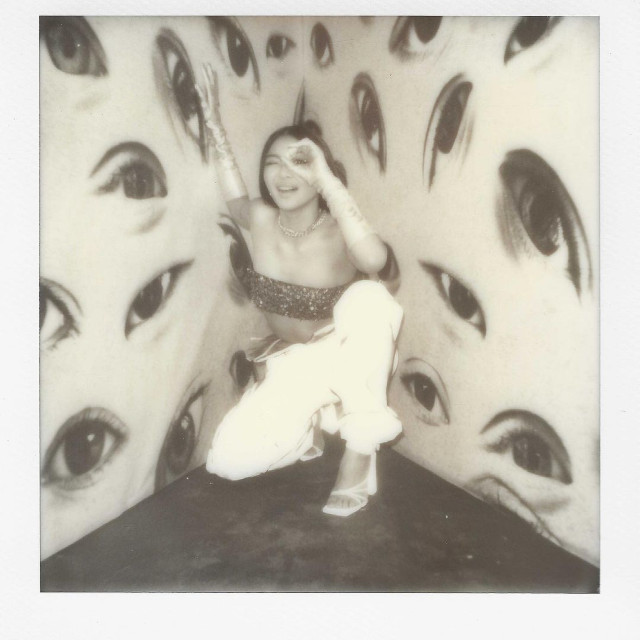
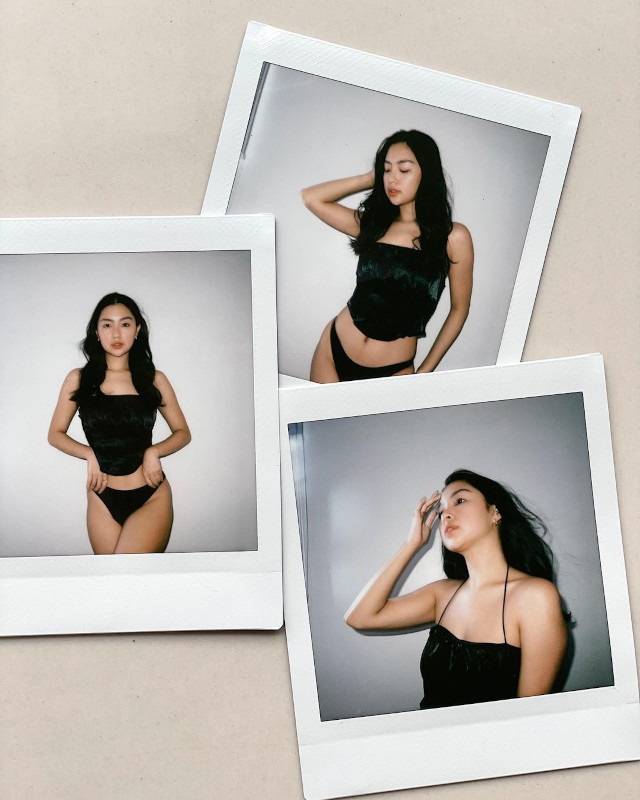
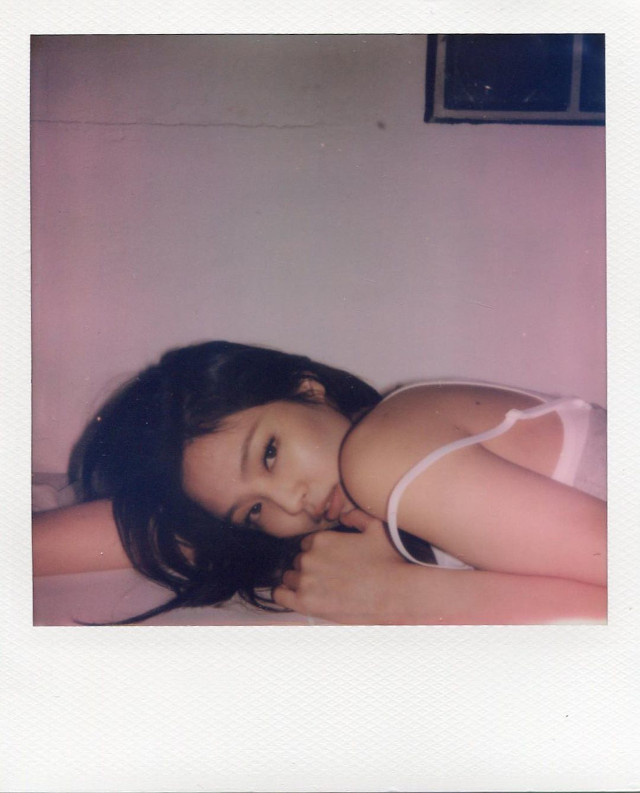
On that note, I've noticed that more and more celebs are into posting their Polaroid pictures on their IG girl. The washed out and blurred effect or the white textured frames of Polaroid pics become a visual breaker from the high production photos they have done many times.
Nadine Lustre's Polaroid picture
Rei Germar's Polaroid Photos
Olivia Rodrigo's Polaroid Photo

Jennie Kim's Polaroid Photo
The simplest way to cop this look is to buy a Polaroid or Instax camera. But a cam can be too expensive, so I suggest that you resort to the next best thing: Free mobile apps with Polaroid-like photo filters! I've tried a bunch of them but these two are my favorites:
How To Get That Polaroid Effect For Your Photos Using Your Phone
Prequel
Okay, I have to admit downloading this app will make photo editing both easy and difficult at the same time. There are lots of filters and effect combinations, so you could come out with whatever #aesthetic you want to achieve. On the flip side, because of the wide choices, you might have a hard time selecting the best result. I personally like the #Academia filters and the Denim, Monroe, and frames effect for that Polaroid look. (Free on the App Store and Google Play.)
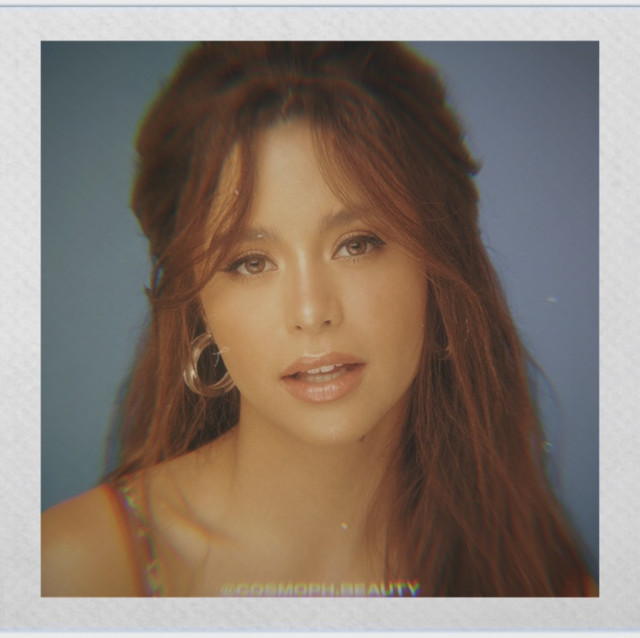
Dazz Cam
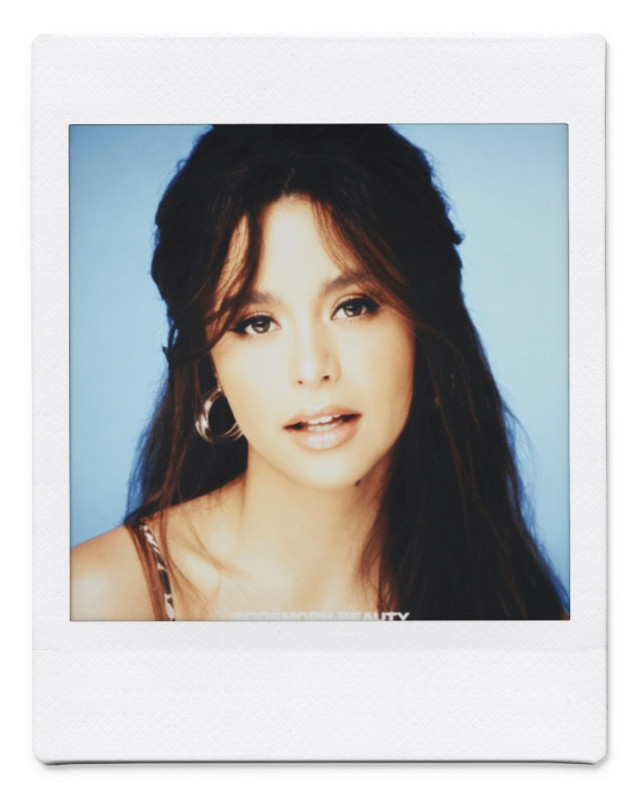
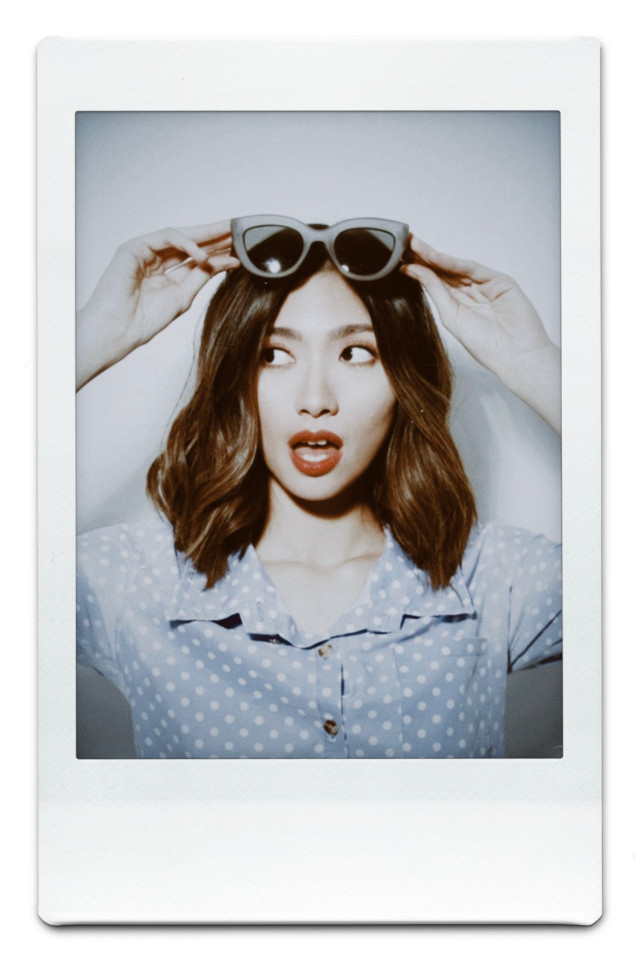
This app is for people who are tamad to edit. Simply upload the pic you want and choose the Inst SQC (for square frames) and Inst C (for portrait frames) to score the Polaroid and Instax look. The frame colors can be adjusted, plus the frame has the texture of an actual instant photograph. (Free on the App Store.)
Sample photos using Polaroid and Intax filters:
Follow Ira on Instagram.
***
Cosmo is now on Quento! Click here to download the app for iOS, Android, and desktop and enjoy more articles and videos from Cosmo and your favorite websites!
[ArticleReco:{"articles":["66773","75996","71008","76031"], "widget":"More from cosmo"}]
Source: Cosmo PH



Post a Comment
0 Comments